2KB system RAM
Meaning entity data needs to be compact and predictable, leaving memory available for the rest of the game.
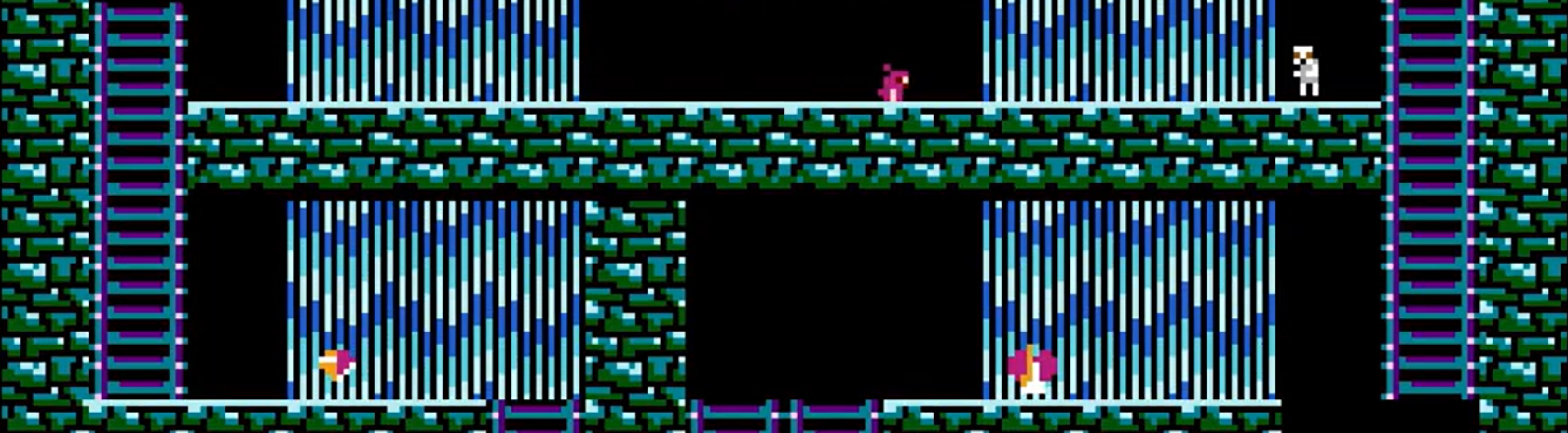
A multiplayer NES game built from scratch in 6502 assembly, pushing the console's memory and rendering limitations to support procedural terrain, dynamic entities and hardware-specific visual effects.
My contribution: designing the entity architecture, optimising its memory representation and implementation of the NES Zapper interaction.Trailer — The Creature of Wellstown
Overview
Although originally a 6502 assembly exercise, the project grew into an exploration of the NES's hardware limitations. We deliberately pushed its memory, rendering and timing constraints to achieve effects and gameplay systems beyond what a "normal" implementation would allow. The project involved frame-sensitive data manipulation, procedural terrain, dynamic entities and hardware-specific rendering techniques.
My Contribution



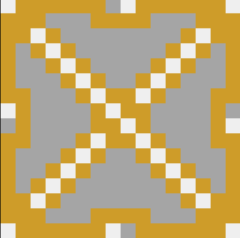

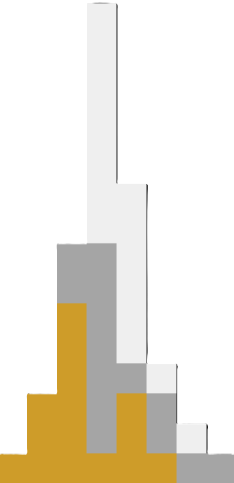
As a tangent, I also became responsible for making all the game visuals, ensuring that they remained readable, pleasing, and that they worked together with the technical shenanigans we did for the water, intro screen, etc.
Challenges
The entity system had to deal with several competing constraints. Memory usage needed to remain predictable, while entities themselves could be completely different from one another.
Meaning entity data needs to be compact and predictable, leaving memory available for the rest of the game.
with a 1.66 MHz CPU, it's important that per-entity logic stays inexpensive.
The number of entites changes constantly, but diferent types require diferent behaviour and data.
A NES limitation, any additional sprites on the same scanline are not rendered.
Another NES limitation, requiring the game to decide what sprites it prioritizes which entities receive sprite slots.
entities
To guarantee predictable memory usage, the entities get stored in a static array rather than dynamically allocating them.
But this introduces another constraint: every entity had to fit inside the same fixed-size memory block, regardless of what type of entity it represented.
Just 8 bits are used to track entity state. There is also 8 bits to identify the entity type. And position was represented using 2-byte fixed-point values.
Together, this allowed the essential entity data to fit into just 6 bytes. Twenty entities could therefore occupy approximately 120 bytes, easily leaving enough headroom for the rest of the game. (max entities : 84)
8 bit ID    | %0000_0000
            |  ++++_++++- entity ID
8 bit state | %0000_0000
            |  |||| ++++- sprite/kind/velocity/direction/...
            |  ||||
            |  |||+------ on screen
            |  ||+------- above/below camera
            |  |+-------- horizontal flip / entity alocated
            |  +--------- vertical flip / entity alocated
16 bit X    | %0000_0000__0000_0000
            |  ++++_++++__++++_++++- Xpos
16 bit Y    | %0000_0000__0000_0000
            |  ++++_++++__++++_++++- Ypos
STATE BITS
The 8 state bits are largely entiy alocated, but have a few comon demoninators.
(smallest significat bit first)
The first 4 bits are dependant onthe entity.
- Crates use it to track falling speed, using it as a multiplier to achieve acceleration.
- Skeletons use 1 bit to track modified speed and 3 as a modifier timer. When dead, 4 to track their sprite.
- Pickups track their kind.
- traps use a bit to check if they are trigered.
Bits 5 and 6 are global, required to keep track of their position relative to the screen since we have a camera that can scroll back and forth. An active entity can be eihter above, on, or below the screen.
Then bits 7 and 8 are usualy used for checking if the entity is flipped in some way.
but, for example skeletons will never be upside down, so the bit is instead used to track if they're alive.
Rendering & Iteration
Entity iteration uses a constant update loop. However, the NES has strict limits on how many sprites can be rendered during a frame.
There is a maximum of eight sprites per scanline. And there is only space for 64 sprites in the shadow OAM, as this is all that gets copied to the PPU. Simply iterating from the first entity every frame will most definitly cause the later entities to not get rendered.
Full is full. The 9th sprite on the scanline in memory isn't rendered. Neither is a 65th sprite at the shadow OAM, which, even worse, would cause undefined behaviour.
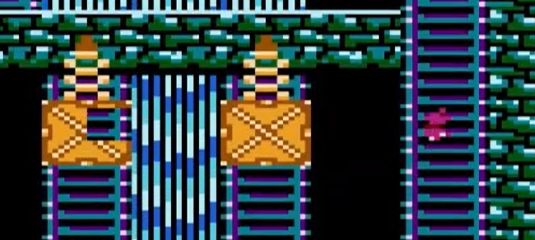
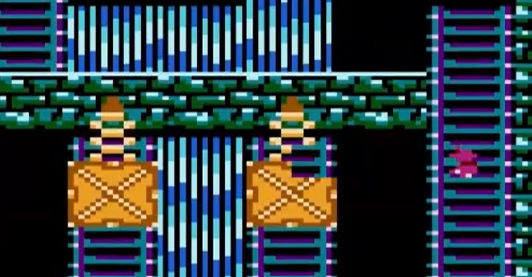
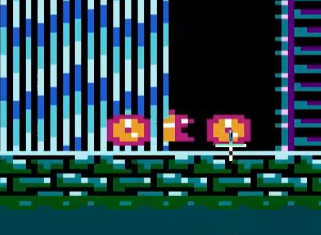
sprite missing | each crate is 2 sprites wide + 1 sprite for player = 9
To prevent this, the starting element of the update function shifts continuously. This makes it so all entites rotate in priority, ensuring they all get the chance to be drawn. Equaly, all entities that try to write to the sprite OAM past the 64th sprite get blocked.
frame 1 - start at entity 0
frame 1 - 9th sprite mising
frame 2 - start at entity 1
frame 2 - 9th sprite mising
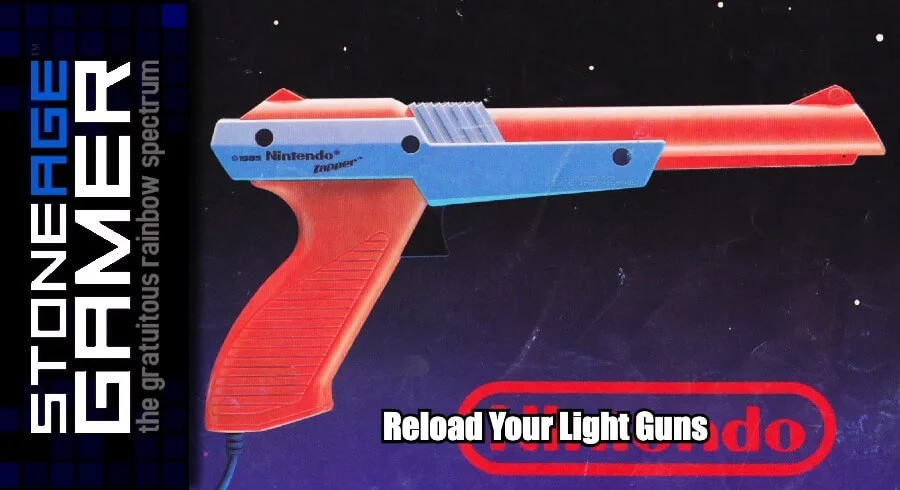
Zapper
For the zapper, the chalenge isn't reading the input. The Zapper provides a binary light-sensor signal, while a CRTV displays the image progressively across the screen. The input reading's relevancy therefore depends on when it's sampled.
Input can be read from the 2 designated adresses: $4016 & $4017. In order to read, you first need to strobe $4016 after which the 8 bit output can be read one bit at a time.
For the zapper:
- Bit 5: trigger | pulled/released : 0, half-pulled : 1
- Bit 4: light sensor | no light : 1, light : 1
The light sensor needs to be read continuously while the frame is being drawn, as once the scanner passed by, the light quickly disapears.
Once the trigger has been detecetd, the game enters the zapper protocol.
the game halts, for the next couple of frames, all that will happen is the continuous reading of the zapper output to test if it detects light during the frame.
The first frame is empty.
If light is detected during this frame, the protocol ends as it means the player is cheating by pointing the gun at an external light source.
Next, in order to find if the player hit an entity, each eligible entity is added to an array.
Each subsequent frame, the game will use binary search to determine what entity, if any, was shot.
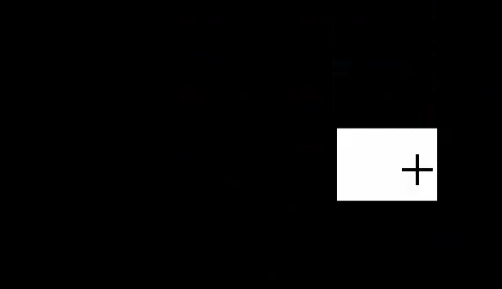
Each frame, half the remaining entities are desplayed as solid white sprites against a black screen. If the zaper detected light, the hit target is within that half. If no light is detected, the other half gets checked.
This gets repeated untill either a single entity remains, or neither halves detected a hit.
Candidates: [ 0 1 2 3  ]

Frame 1:     black screen
                    ↓
        Zapper detects light?
             /       \
            no       yes -> cheater
            ↓
frame 2:  Display 0 1 as white sprites
                    ↓
                detected?
                /    \
             yes      --> no
              ↓            ↓
Frame 3:    test 0        test 2 3
              ↓
           detected?
            /    \
         yes      --> no
          ↓            ↓
   0 is target       test 1
entities to hit in game - white area on a black background to test the hit.
Noteworthy - A cool concequence of the way the light detection works, is that depending on when the light is detected during the frame, you can infer at what scanline it hapened.